
Art Guides
Making Art Pop Online - Digital Photo Editing Tips for Artists and Galleries
Digital Photo Editing Tips for Artists and Galleries In today's digital-first art world, your work is often seen online before it's ever experienced in person.
Administrator · · 4 min read
Digital Photo Editing Tips for Artists and Galleries
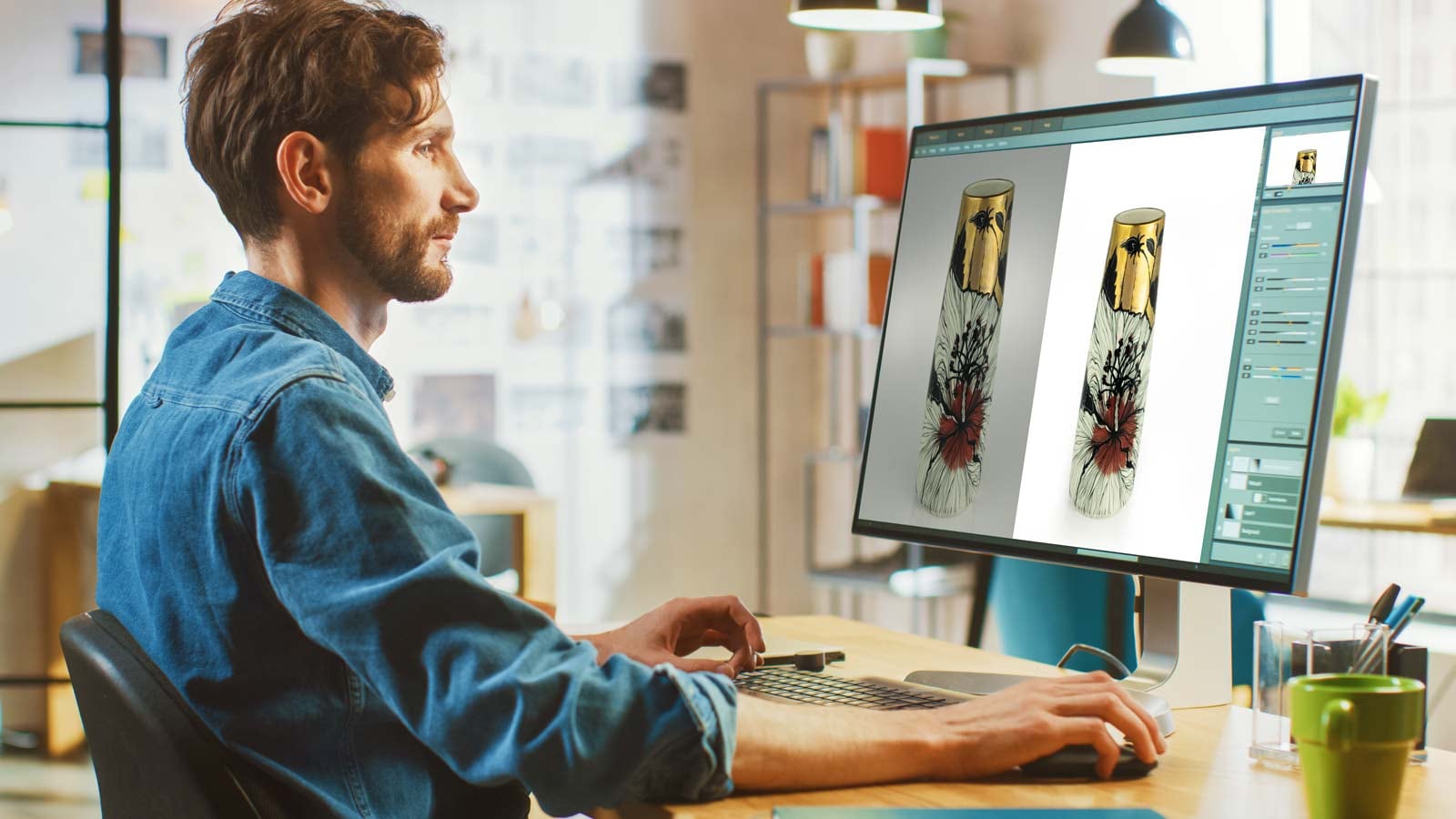
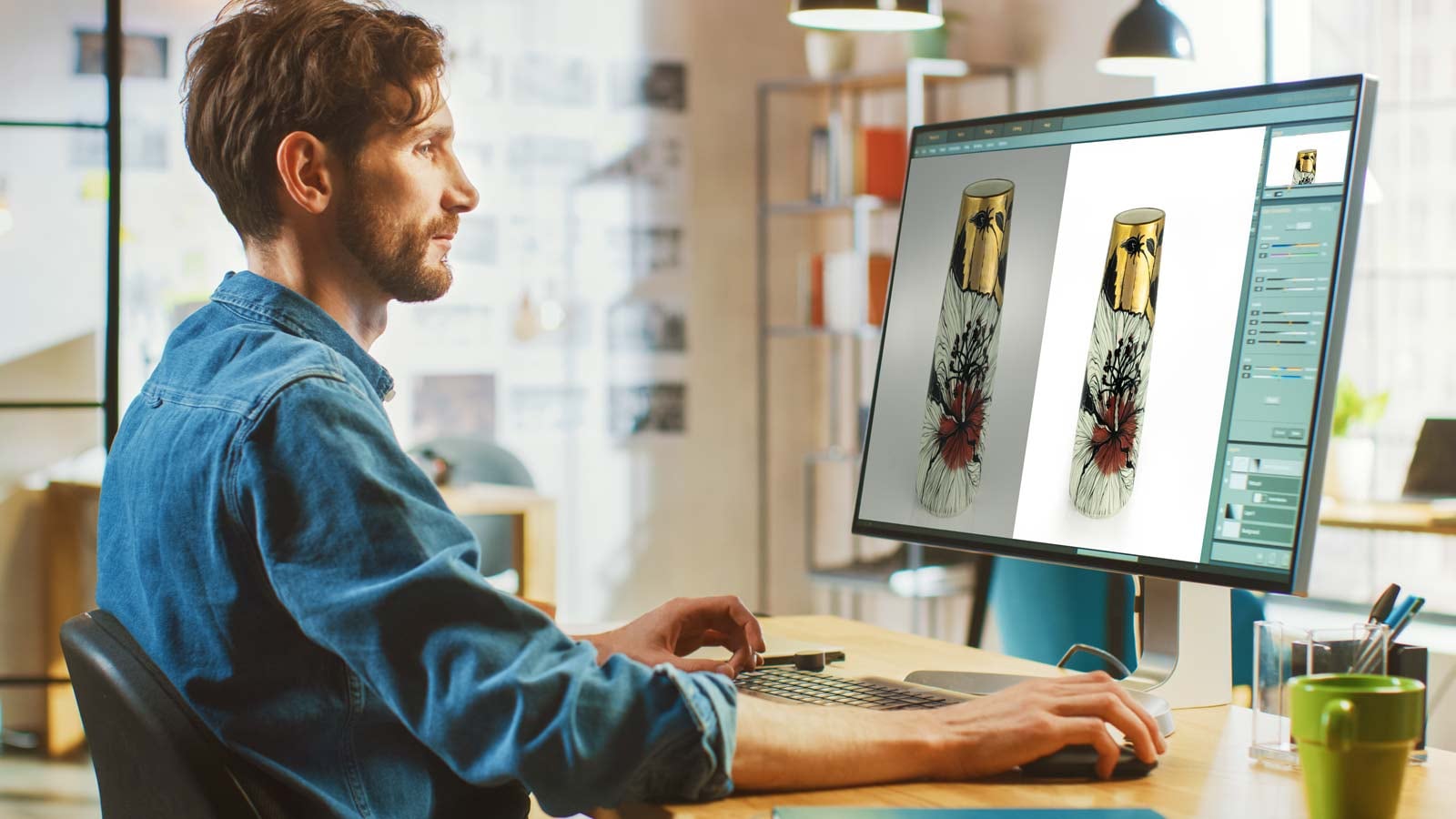
In today's digital-first art world, your work is often seen online before it's ever experienced in person. Whether you're an independent artist documenting your latest sculpture or a gallery posting new arrivals on Instagram, you face the same challenge: how do you make your artworks look as compelling onscreen as they do in real life?
The truth is, photography flattens reality. Camera sensors interpret light differently than our eyes. Screens strip away texture, scale, and atmosphere. And social media compresses images even further. But with the right digital techniques - and tools like Artflow Pro to help manage the process - you can recapture some of that magic.
Why Some Images "Pop" and Others Fall Flat
On platforms like Instagram, images that "pop" stop the scroll. They hold attention for just long enough to spark curiosity - and maybe even a click-through. The difference between an image that fades away and one that connects is often in the subtle enhancements: warmth, sharpness, color depth, focus, and presentation.
Take a lesson from photography educator Unmesh Dinda (PiXimperfect), whose editing workflow transforms flat digital captures into vibrant, eye-catching posts. Even simple edits - increasing contrast, enhancing fine details, adjusting lighting - can dramatically change how viewers experience your work.
A Simple 6-Step Editing Process (No Filters Needed)
You don't need to over-edit or use trendy filters. The goal is faithful enhancement - bringing your photo closer to how the artwork feels in person.
Here's a tried-and-true process to follow, adapted from Unmesh Dinda's technique:
- Set the right color mode
Convert the image to RGB, 8 bits per channel. This is the standard color space for web and social platforms. - Adjust for platform presentation
Set your background to white (or match the platform's default tone). Then tweak brightness and contrast to make your work sit naturally on the screen. - Enhance key features
Use tools like sharpness, clarity, and saturation to subtly lift focal areas - the brushstrokes, texture, edges, or glazes that matter most. - Crop and resize for the platform
Instagram, for example, favors 1080×1350 pixels for portrait images. Tailor your export dimensions to where your image will be seen. - Final sharpening
A little sharpening before export can bring out texture, definition, and form - especially useful for 3D artworks like ceramics, textiles, and sculpture. - Export with care
Save as a JPEG, 75% quality, in RGB mode. This gives you a good balance of file size and visual integrity.
What About Tools?
For many artists and galleries, Adobe Photoshop remains the gold standard. But there are also affordable or beginner-friendly tools like:
Photoshop Elements - Great entry-level version
Lightroom - Especially good for batch processing and photo consistency
Snapseed or Lightroom Mobile - Excellent for editing on your phone
The key is not the tool itself, but how you use it to recreate the feel of your artwork in the digital world.
Artflow Pro: Helping You Present Your Best Work
Artflow Pro helps ensure your photos, metadata, and records work together - not just for social media, but for galleries, buyers, websites, and catalogues.
With Artflow Pro, you can:
Keep a long-term visual record of your artworks
Automatically resize images for multiple platforms
Publish to Instagram, Facebook, Pinterest, and more directly from your studio
Share professional documentation with galleries who need consistent, high-quality media
Build a visual history that enhances trust and credibility
Final Thought
Your artwork is real, dimensional, and full of life. Don't let it get lost in translation online. With a few mindful edits - and a system like Artflow Pro to keep your digital assets organised - you can ensure that the world sees your work as it's meant to be seen.